Product tour
From the week ahead to the service.
Follow a ministry week through real MinistrySync views, then open the guide for the task you need.
Plan
Begin with the dates and services in Schedule. Review the service context before coordinating the team.
Planning with Schedule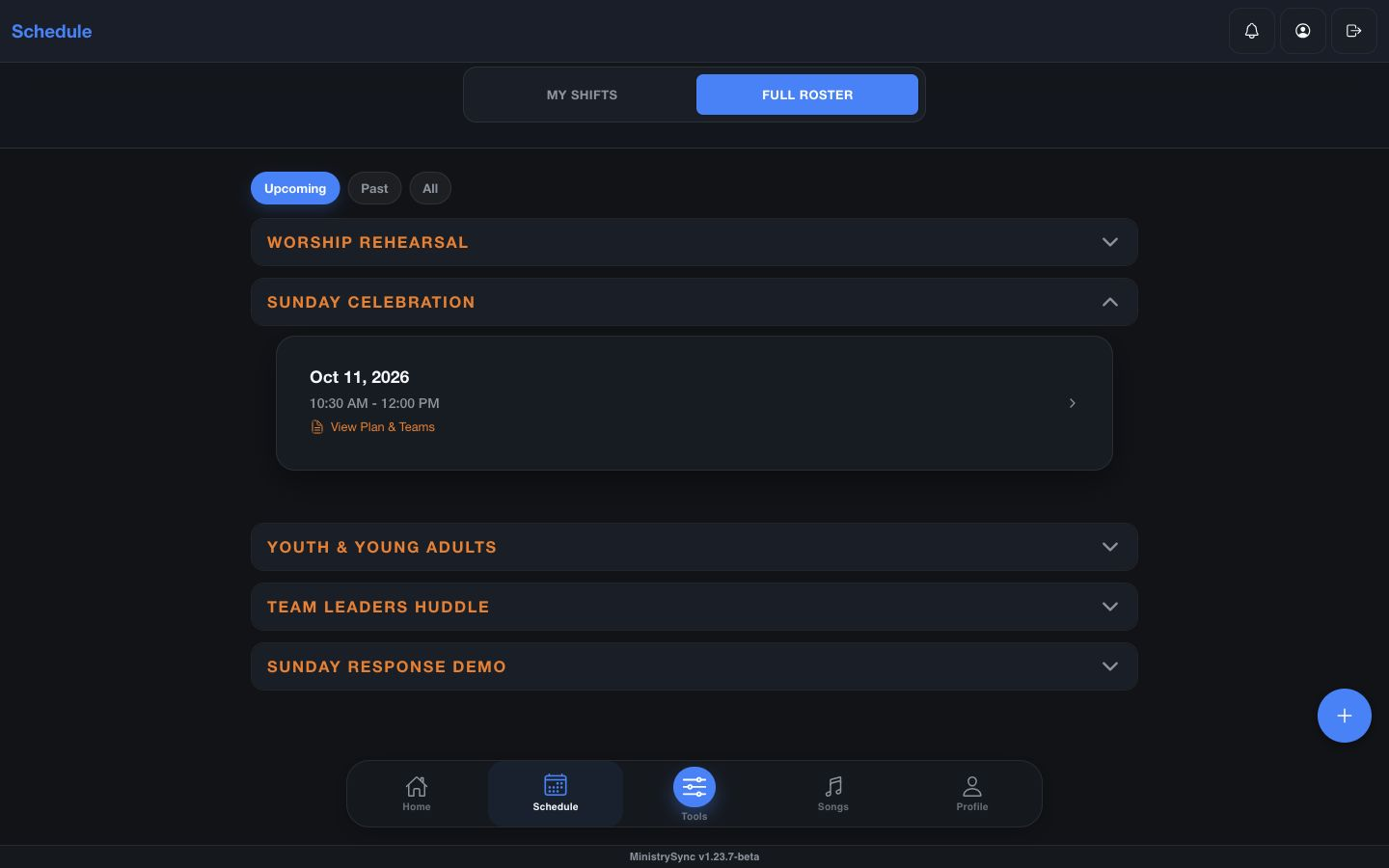
Organize
Know which organization you are working in. Ministry placement and application access are different responsibilities.
Understanding ministry structure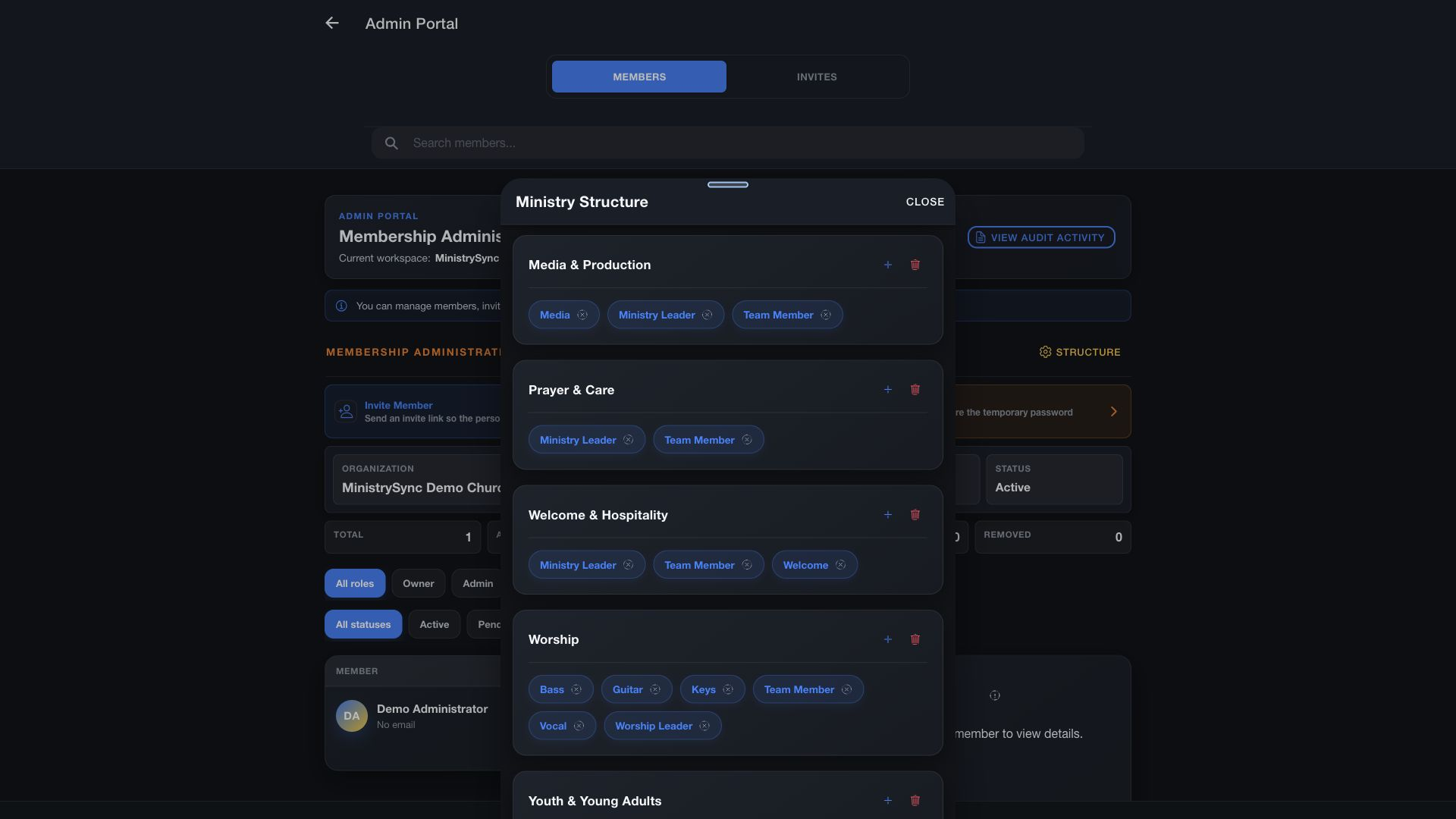
Lead
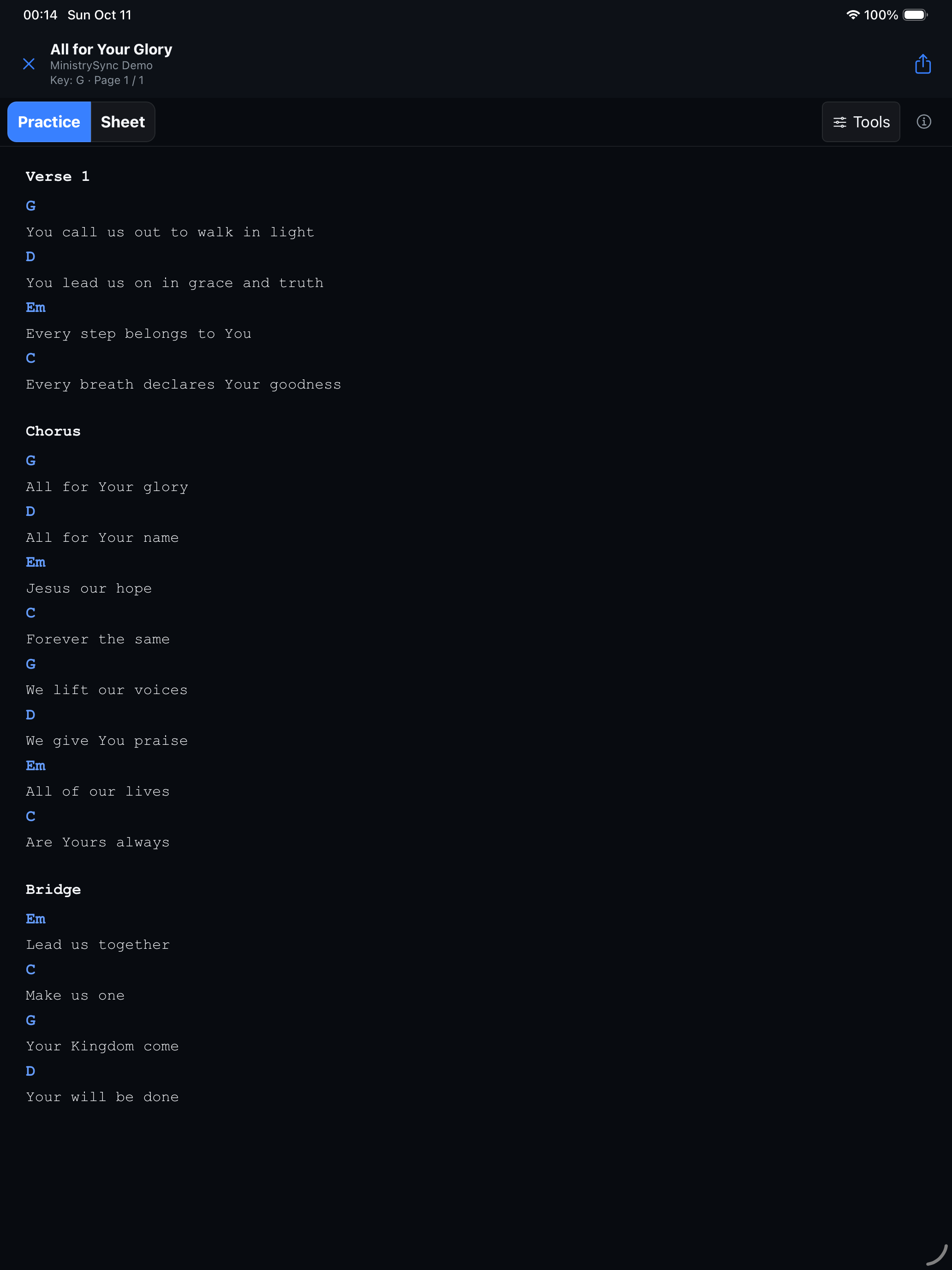
Move from Practice to Sheet for chart reading. Local Go Live brings service songs into a performance context; shared Live Key requires separate verification.
Practice, Sheet and local Go Live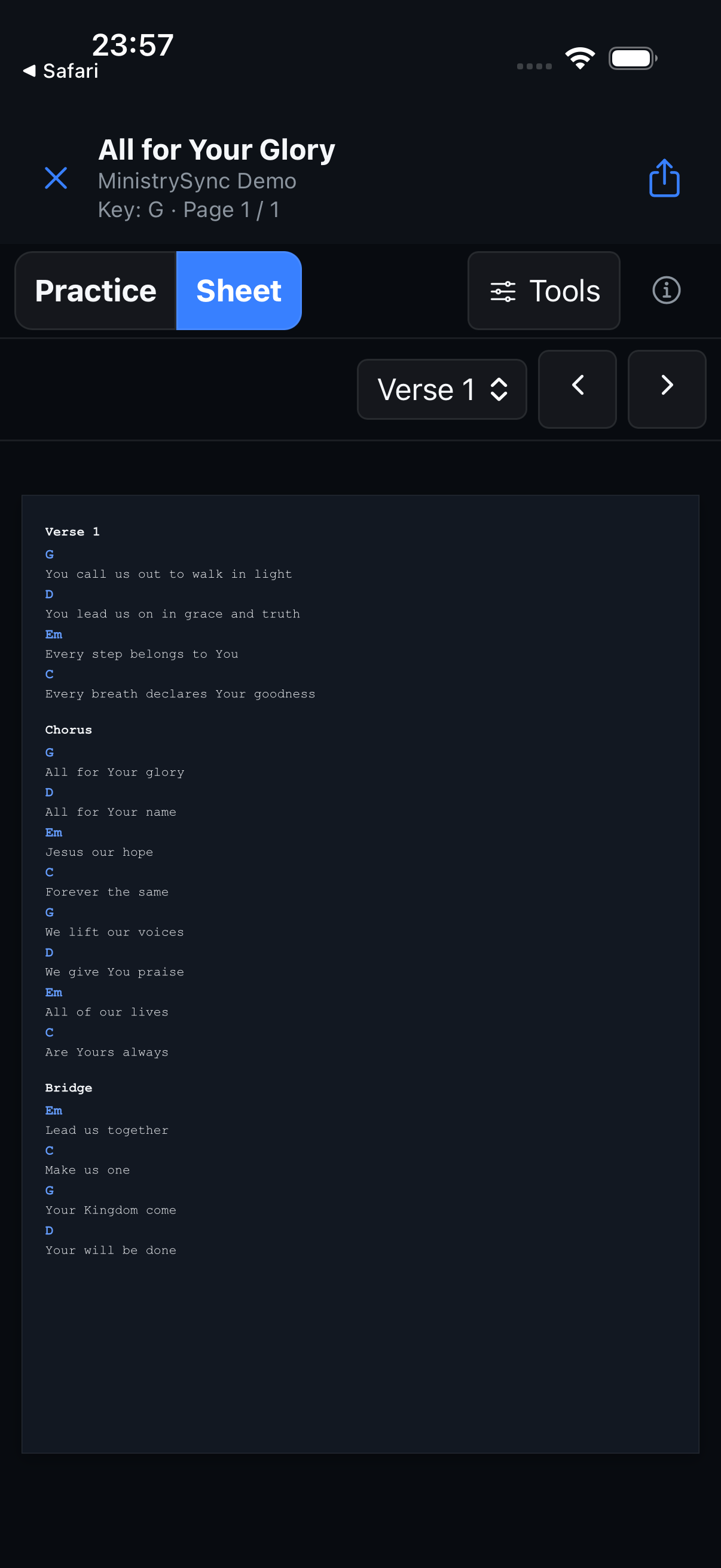
Connected
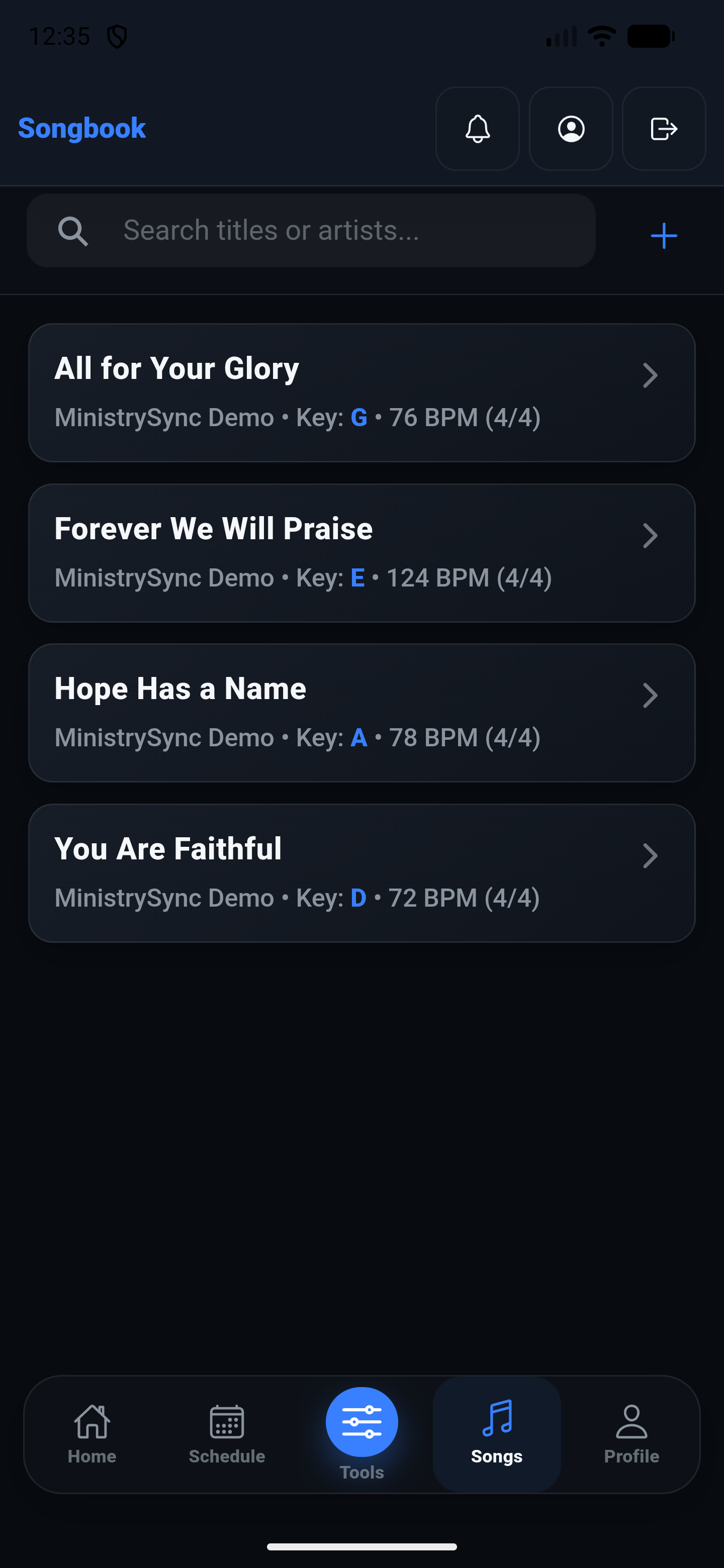
Choose a device for the work ahead. Web, iPhone, iPad and Android have distinct layouts; these captures do not promise identical features or live synchronization.
Songs and service context Learning paths