Owner
Owns the organization workspace and manages its operations. Billing access requires separate financial authorization.
The tools behind the week
A closer look at the tools behind your ministry week.
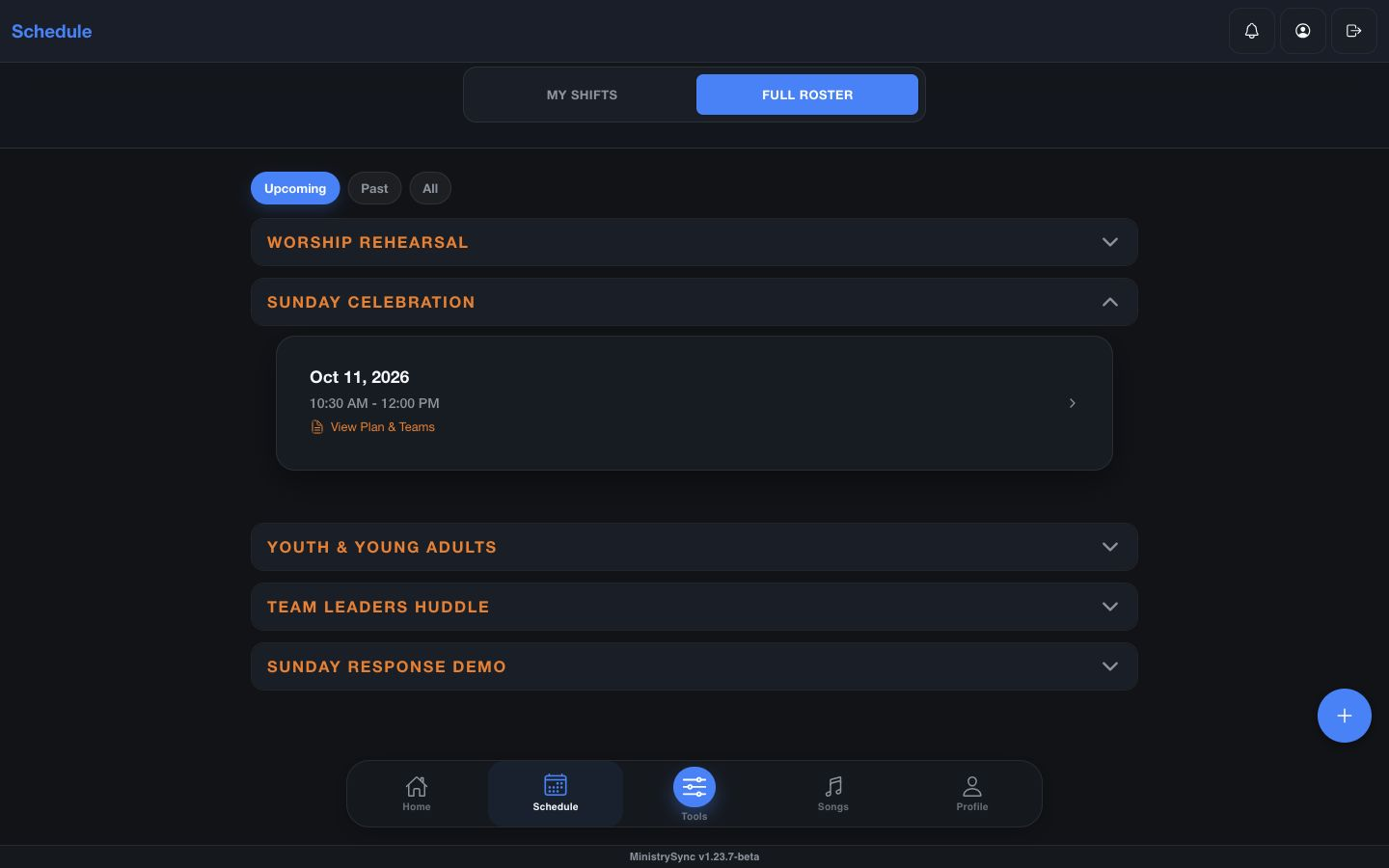
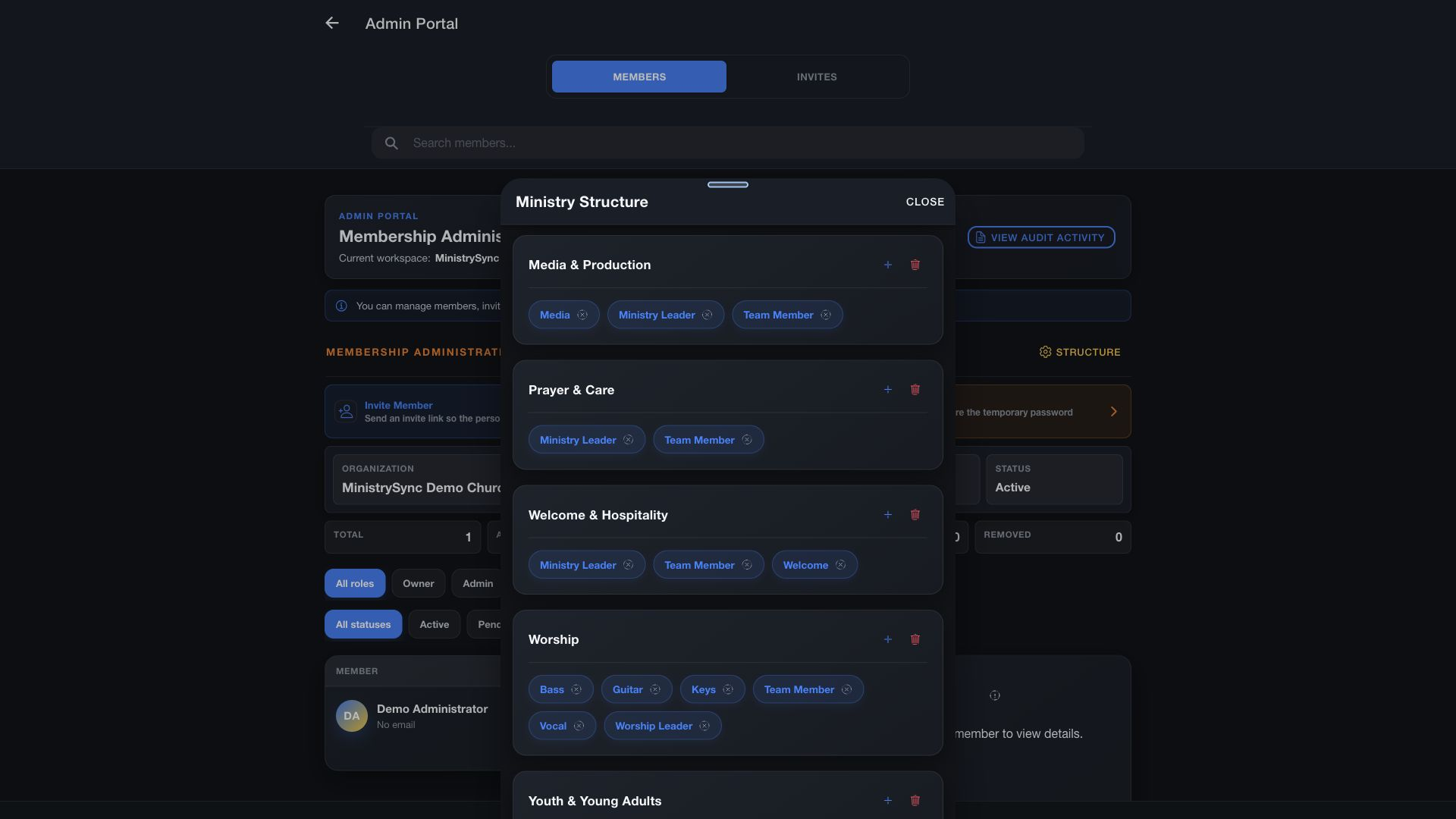
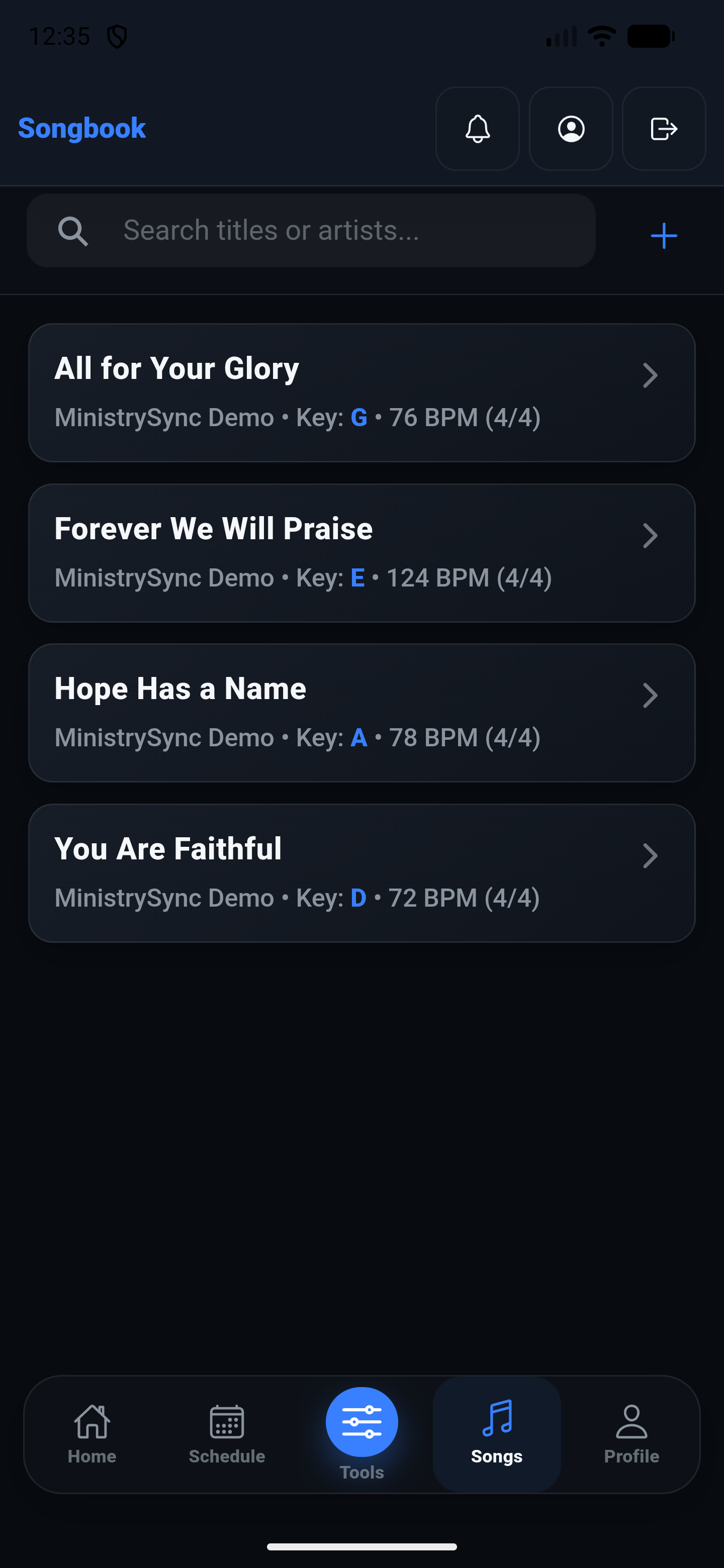
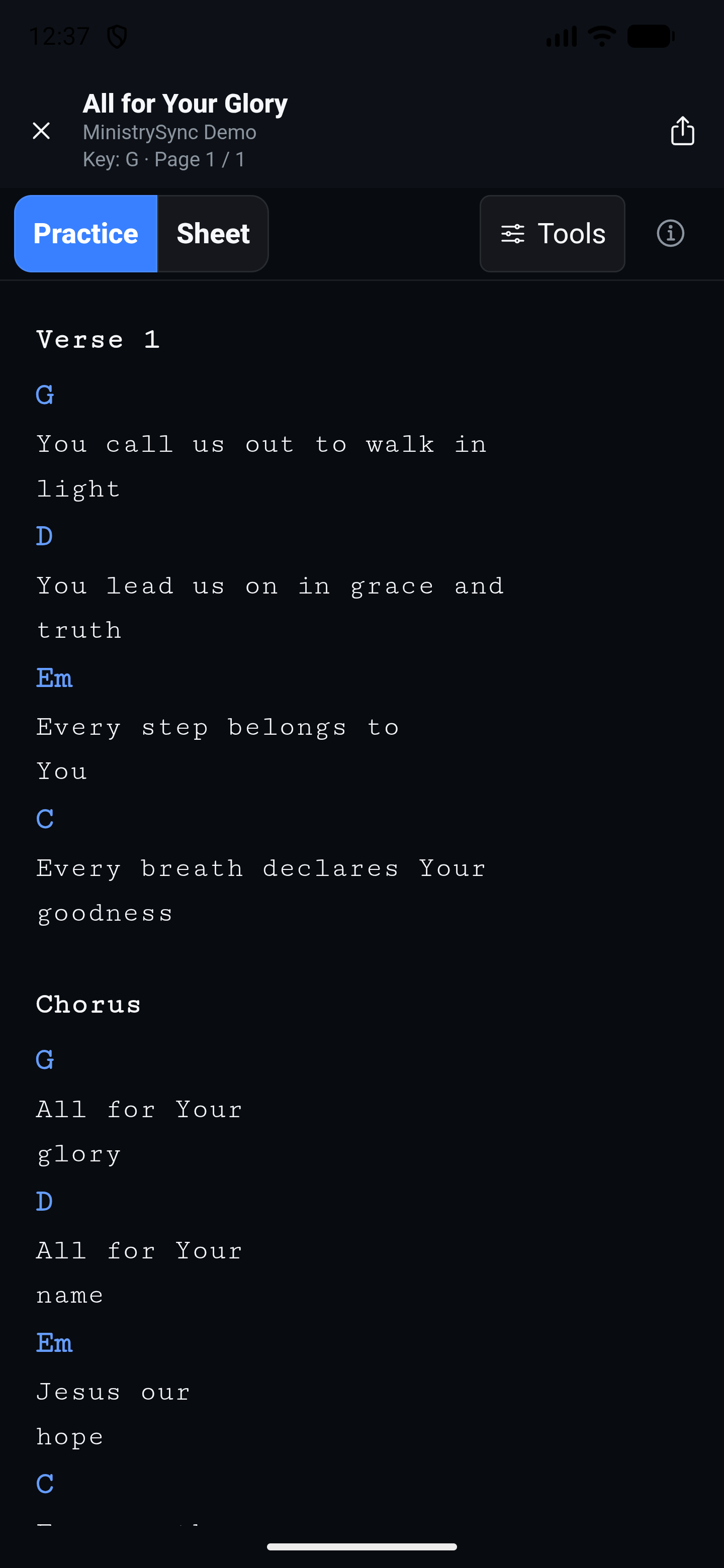
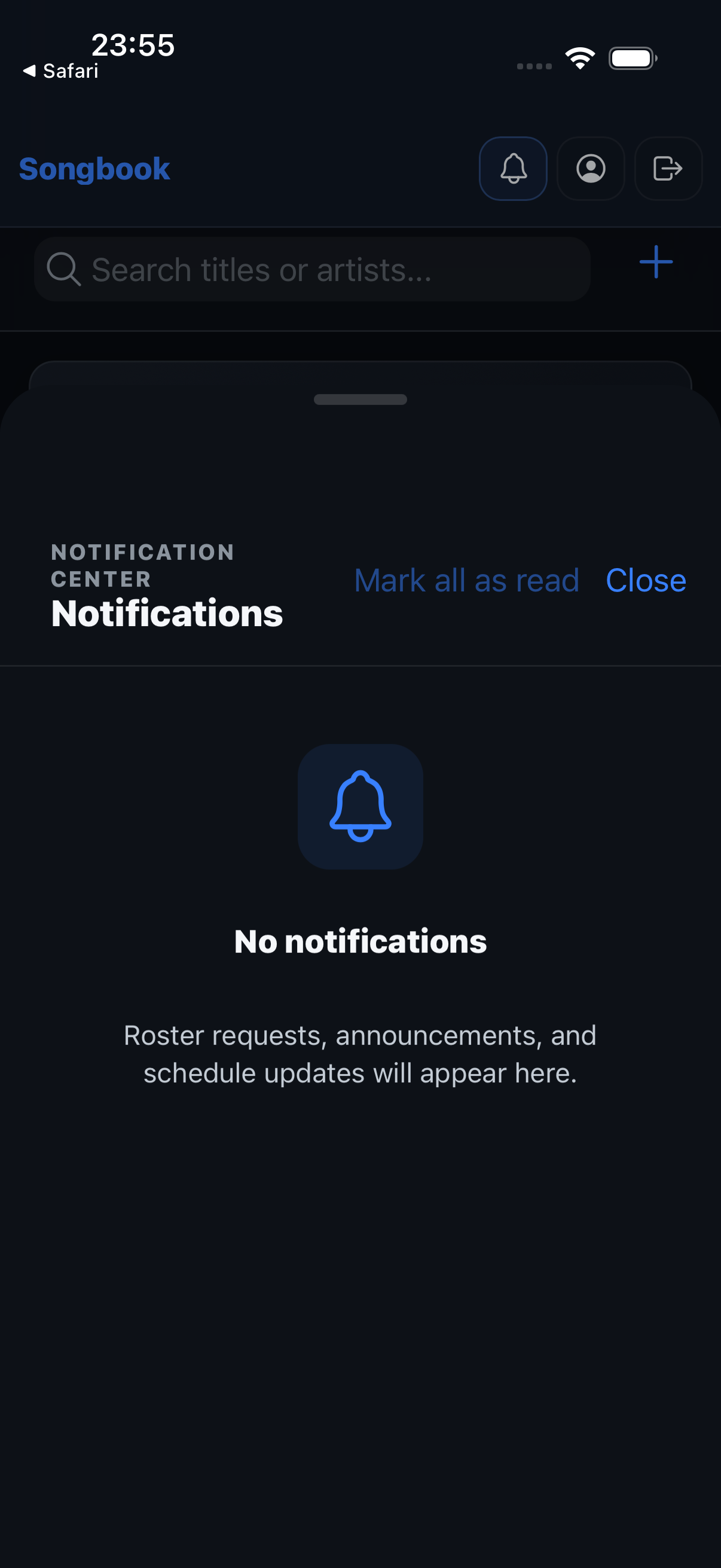
A shared place for updates. The demo shown has no notifications.
MinistrySync Demo Church. Real product views with synthetic content.
Organization workspaces keep ministry work in context. Members and roles support team administration; Notifications keep updates visible, and Audit Activity helps authorized administrators review recorded changes.
Owns the organization workspace and manages its operations. Billing access requires separate financial authorization.
Manages members, roles and ministry operations according to assigned permissions. An Admin role alone does not grant billing access.
Each organization has its own plan and monthly or annual subscription. Where enabled, independently authorized billing users manage available plans, hosted payment methods and that organization’s invoices in the app. Organization ownership alone grants no billing access.
Commercial access requires individual approval. Public commercial enrollment remains closed; contact MinistrySyncSuite about eligibility.
Start with MinistrySync. Make room for the ministry that matters.
Beta access is guided by the MinistrySyncSuite Team.