MinistrySyncFor the life of your church
One connected ministry week.
Bring people, plans and worship together. Give your team room to prepare with purpose and serve with care.
Controlled beta access. Contact the MinistrySyncSuite Team about approved organization access. Unrestricted commercial enrollment is not open. Ask about beta access
Real product. One ministry week.
One platform. Everywhere ministry happens.
The week, together
ONE WEEK. ONE FLOW.
From the first plan to the final song. Keep the week together.
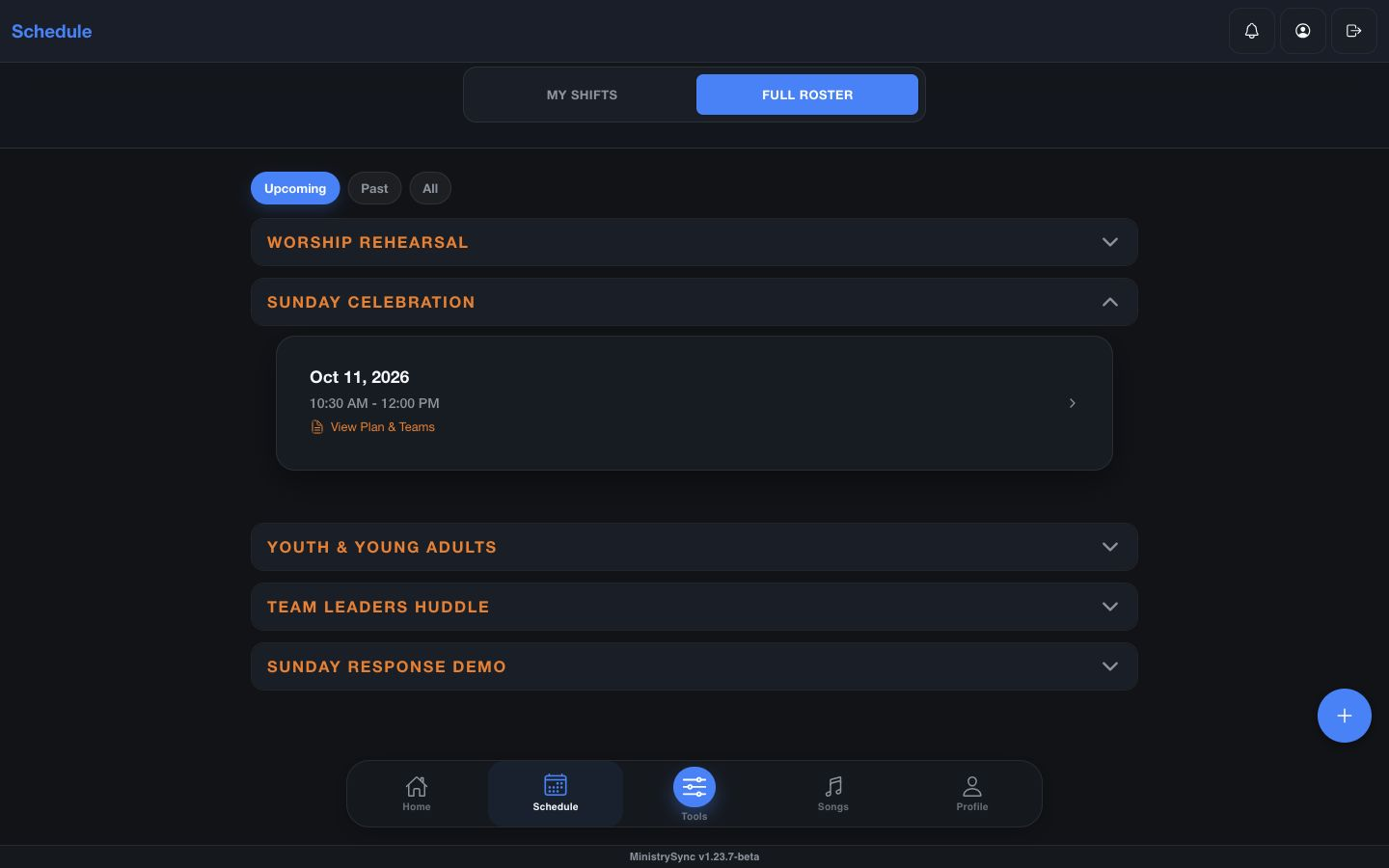
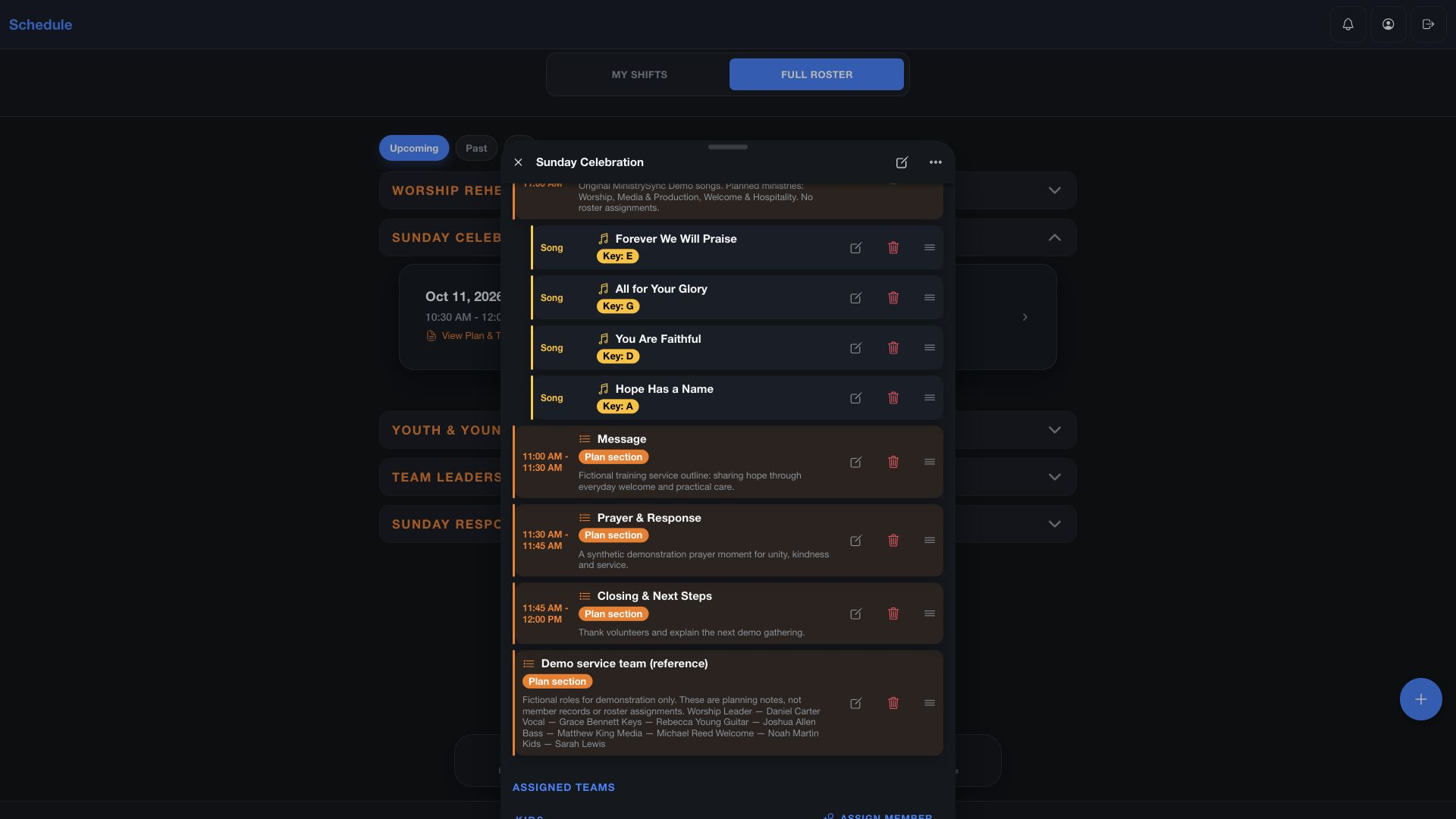
- MondayPlanWeb
Give the week a clear beginning.
See upcoming gatherings and open the plan for Sunday Celebration.
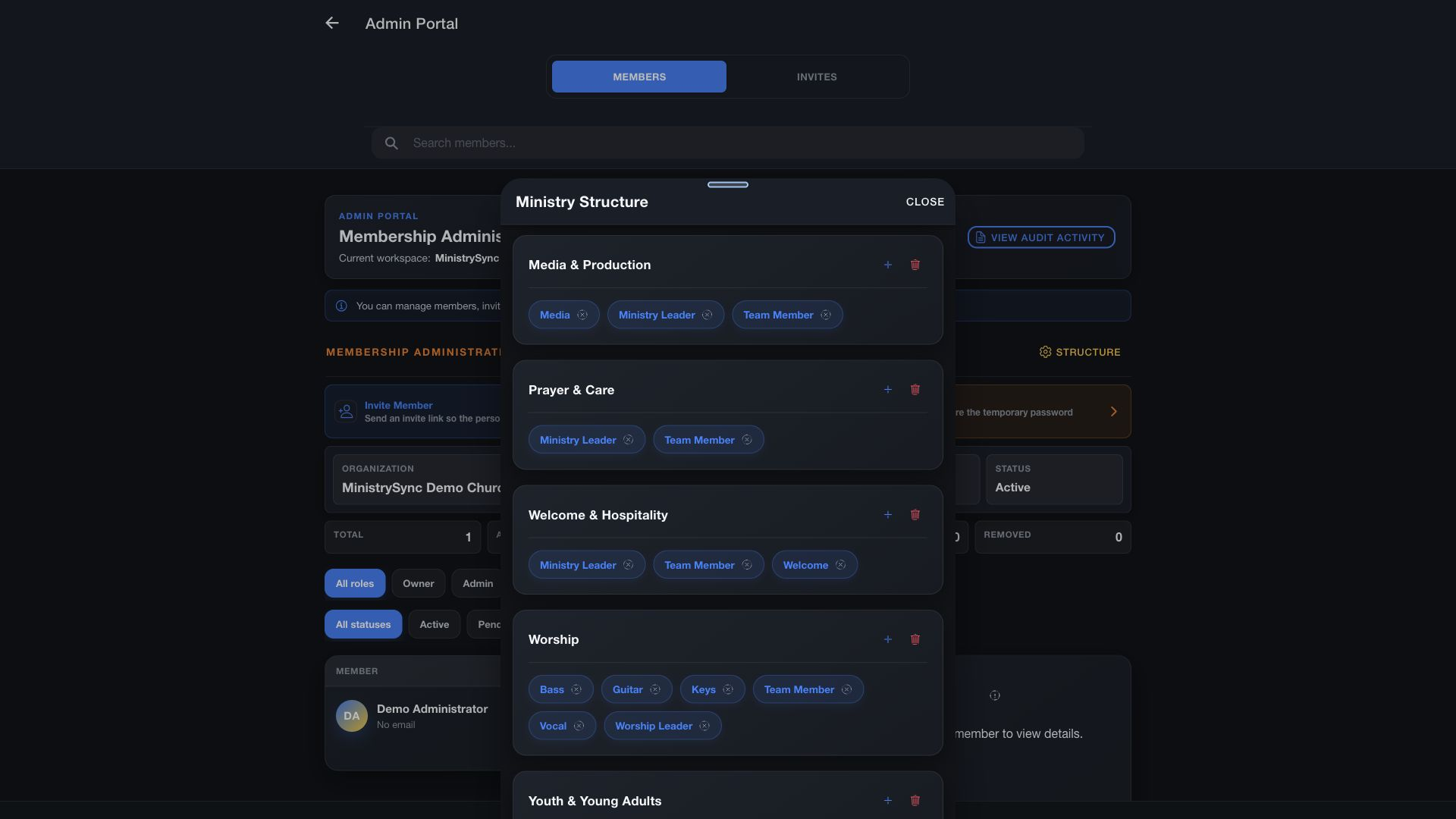
- TuesdayOrganizeWeb
Make room for every ministry.
Bring departments, ministries and team structure into one workspace.
- ThursdayPrepareWeb
Keep songs close to the service.
Build the order of service, with songs and their keys in context.
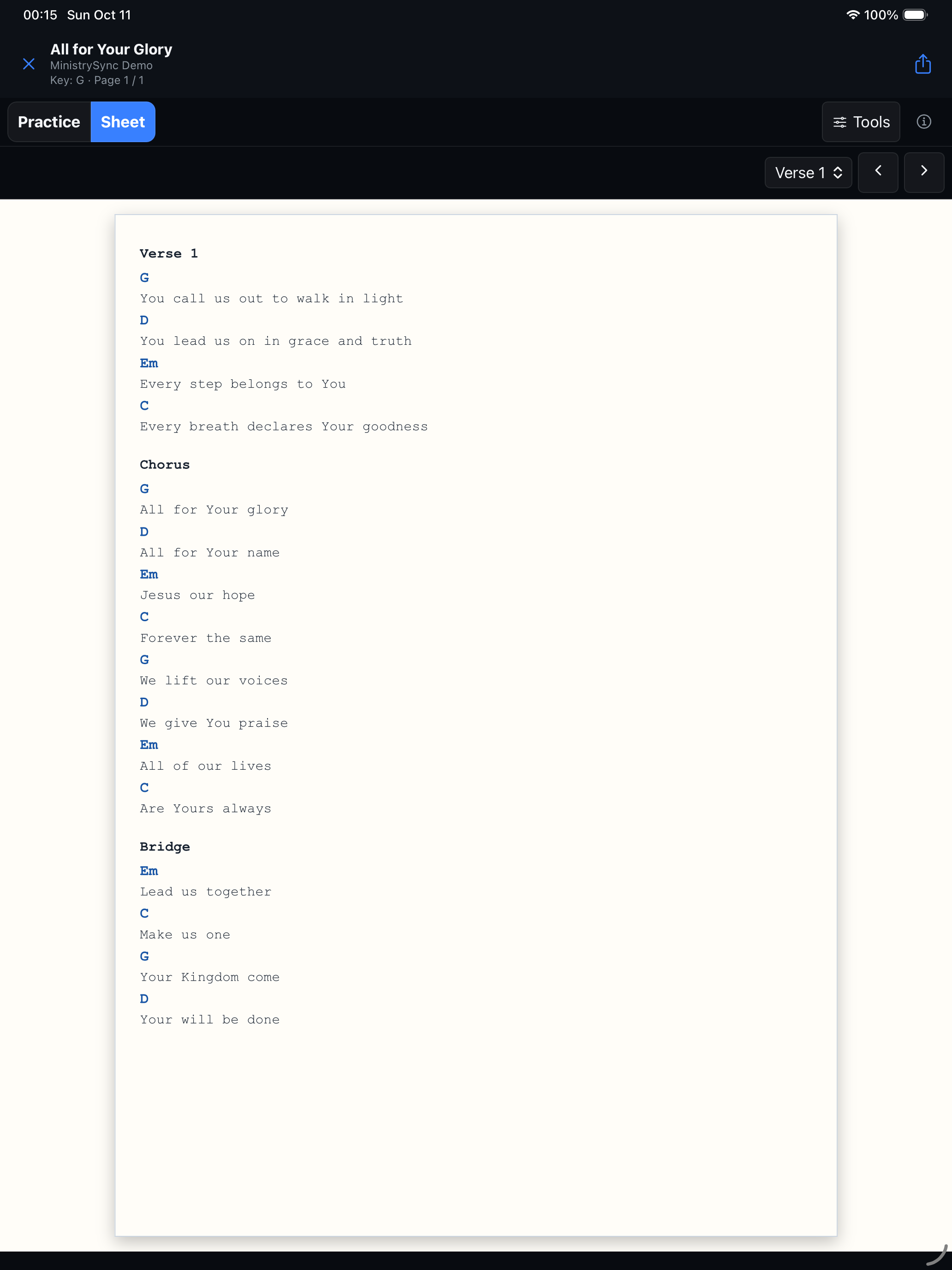
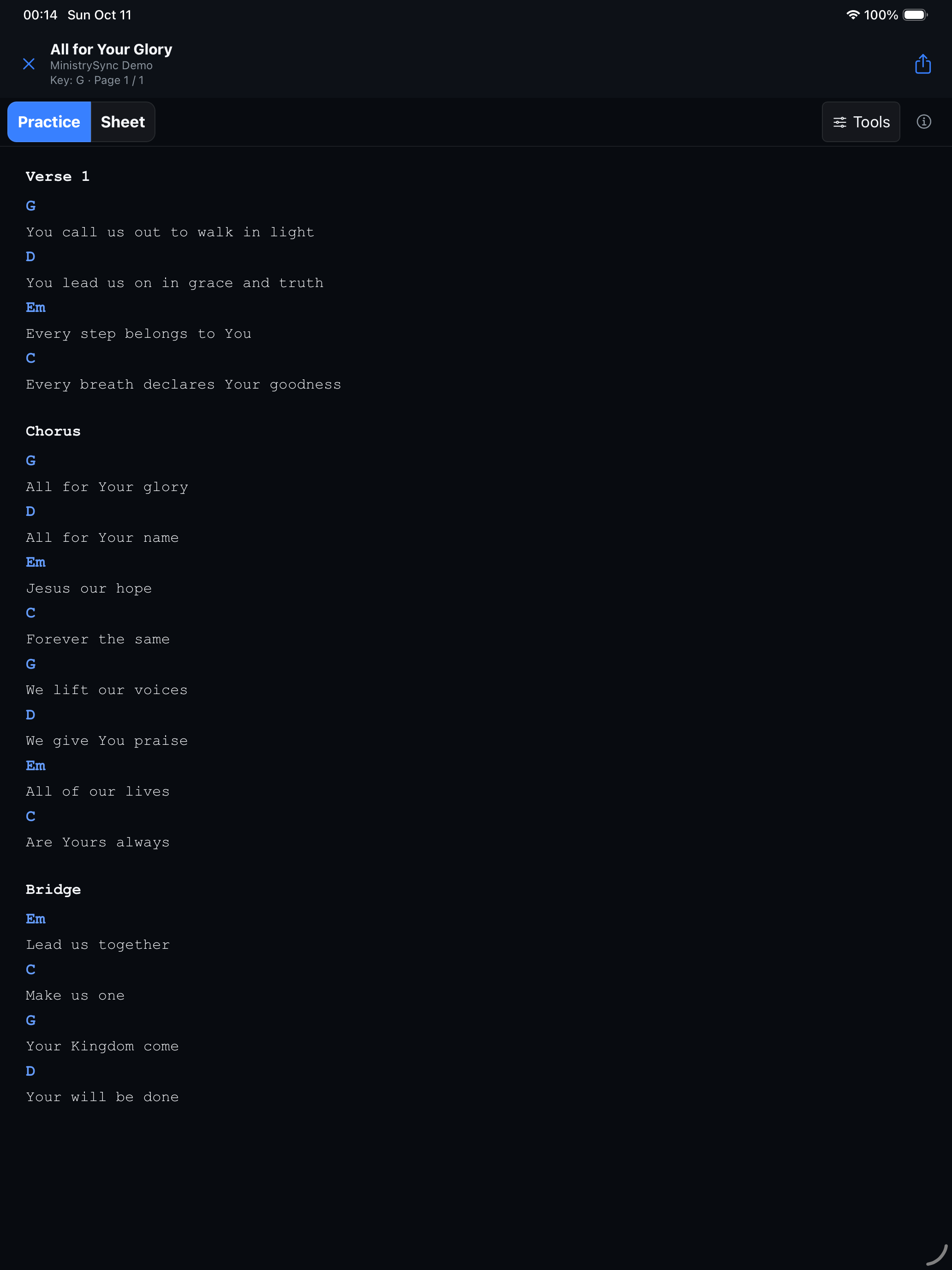
- SaturdayRehearseiPad
Arrive prepared, not piecing it together.
Read the chart in Practice, then move to Sheet on your tablet.
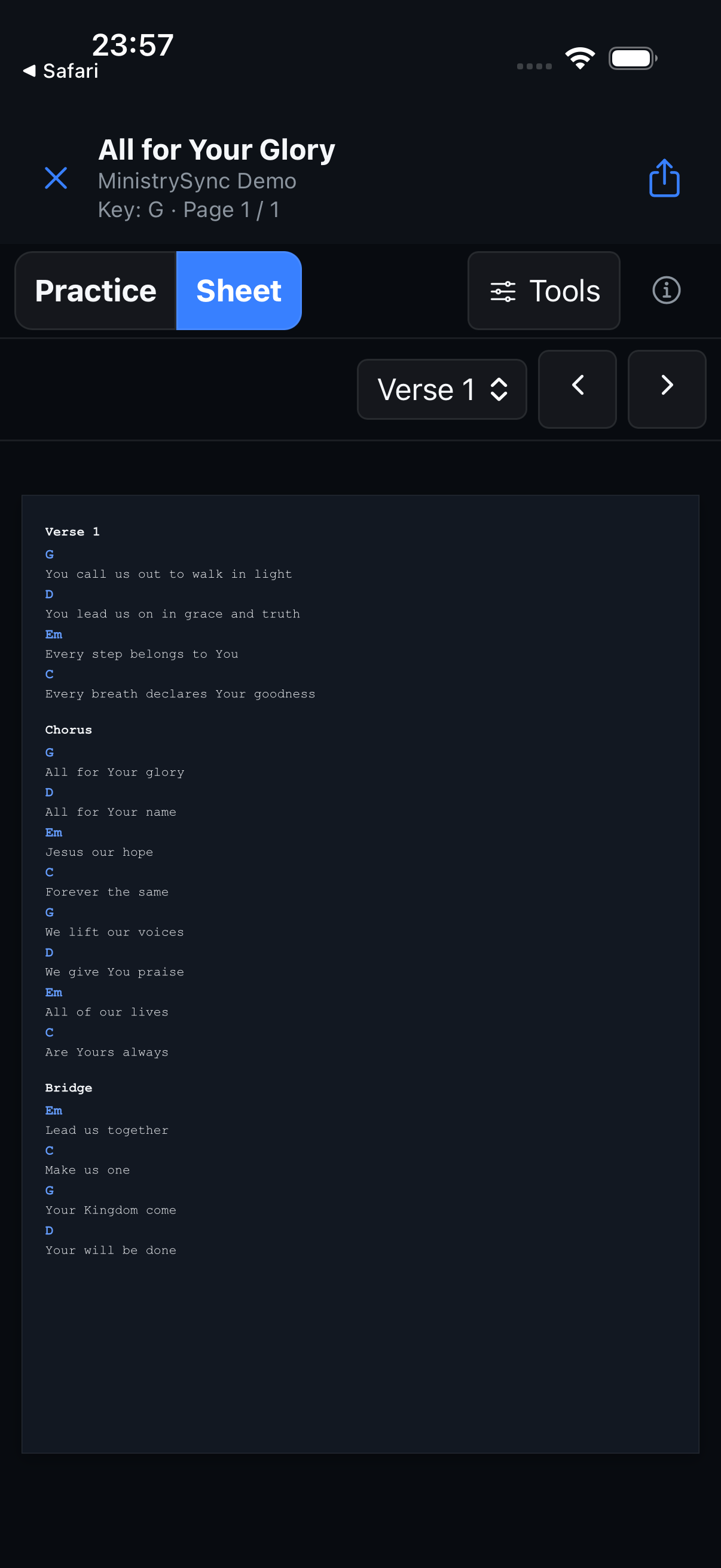
- SundayGo LiveiPhone
Carry the plan into Sunday.
Open the local service deck in Go Live, with the next song close at hand.
Music Stand
Prepared in practice. Present in worship.
Follow one original demo song from preparation to the local service deck. Three ways to work with the music, in MinistrySync.
-
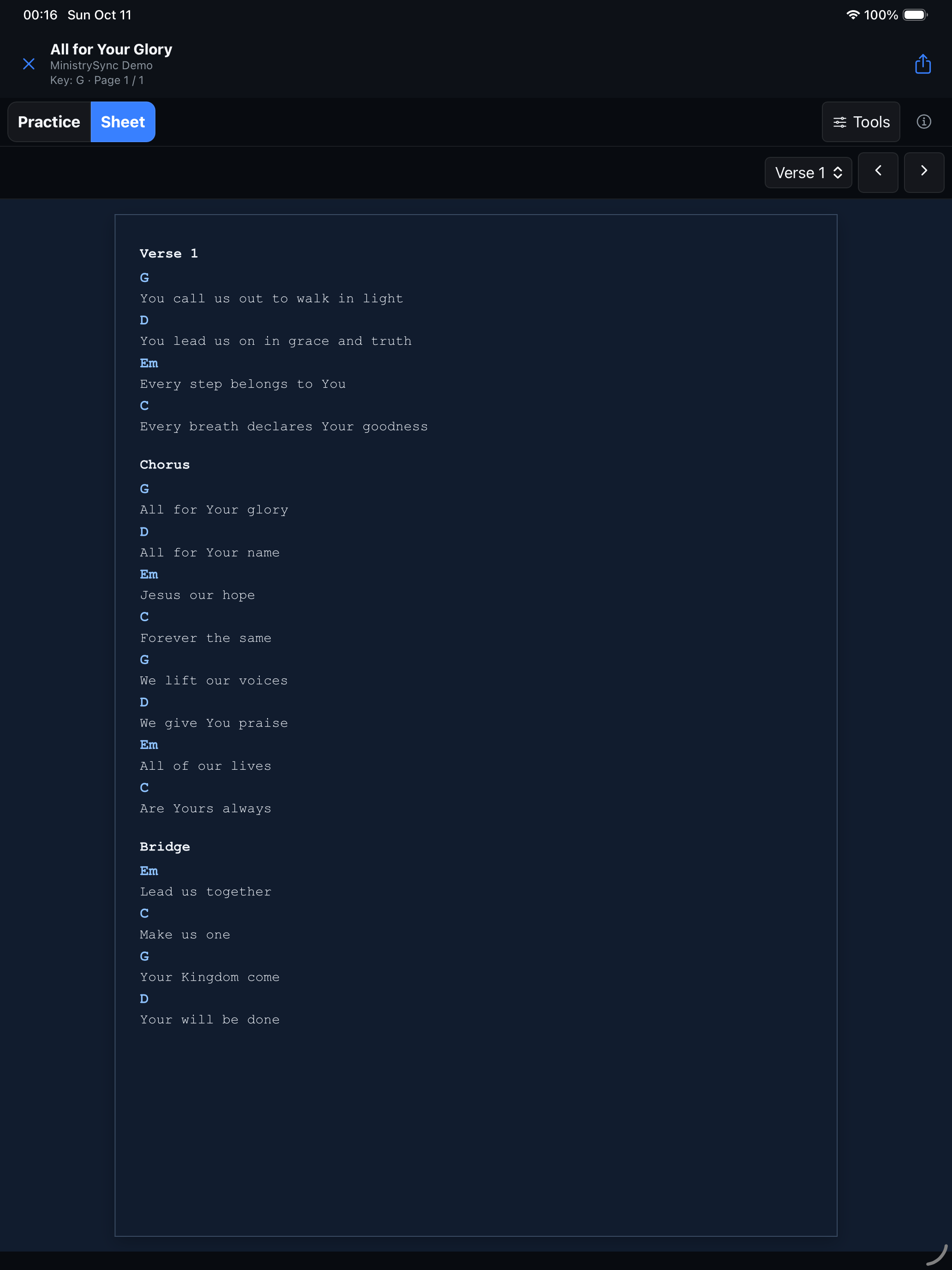
Practice
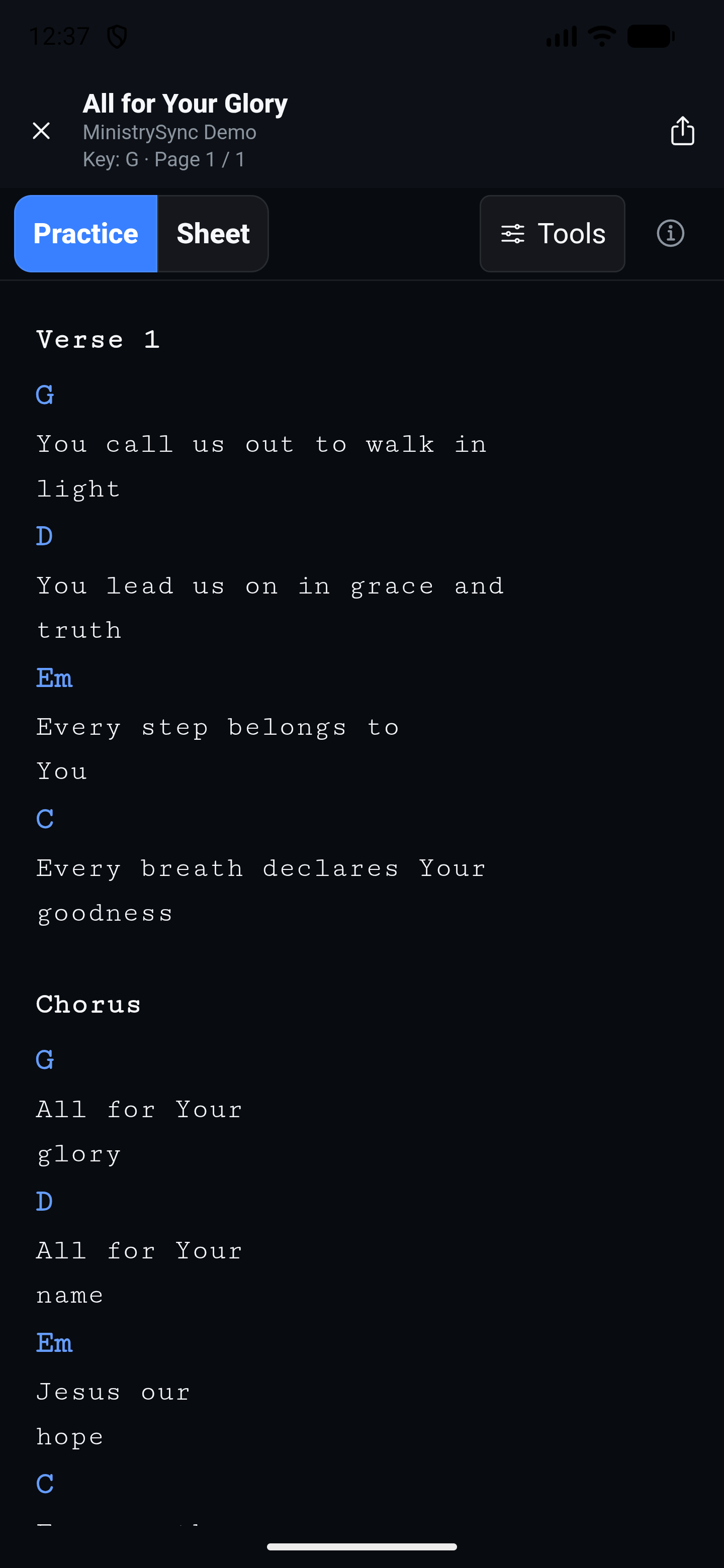
Start with the song.
Open the chart in Practice. Keep the song and its key in view as you prepare for rehearsal.
-
Sheet
Give the chart room.
Move to Sheet on your tablet for the full chart. Choose a light or dark view to suit your reading preference.
-
Go Live
Carry it into Sunday.
Open the local Go Live deck with the next song close at hand. This phone view is a performance reference; open the full image to inspect the chart.
Original demo song: All for Your Glory, key G. Local views; shared synchronization is not demonstrated.
Phone performance reference; fit-page chart text is small.
Bring your ministry tools together.
Start with MinistrySync. Make room for the ministry that matters.
Beta access is guided by the MinistrySyncSuite Team.