Before you begin
An existing account and access to the correct organization. Follow any verification or onboarding prompts before opening the workspace.
Steps
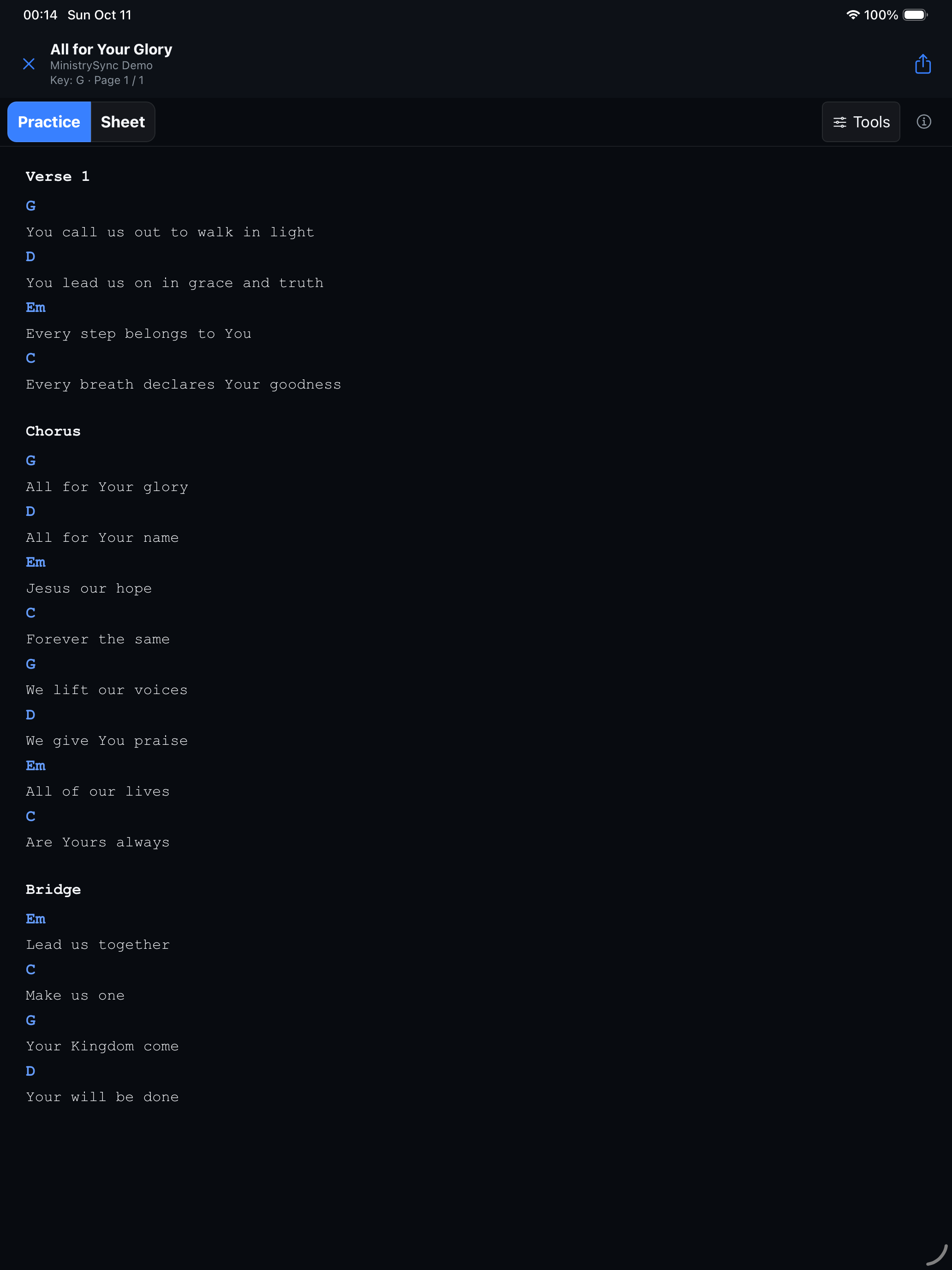
- Open a song in Songs to read it in Music Stand. Use Practice for reading through the material and Sheet, where offered, for the chart view.
- In Schedule, local Go Live needs a service plan with songs that have chart content. Review the song order and keys before opening it.
- Check text size, chart appearance and navigation on your actual device before the service. This guide covers local preparation, not shared Live Key operation.
Keep in mind
Steps were checked against the source version listed above. Your installed version and permissions may change which controls appear. Ask your organization owner if access is missing.
The screenshots show approved demo views. Check readability on your device; they do not prove shared synchronization or feature parity.