Before you begin
An existing account and access to the correct organization. Follow any verification or onboarding prompts before opening the workspace.
Steps
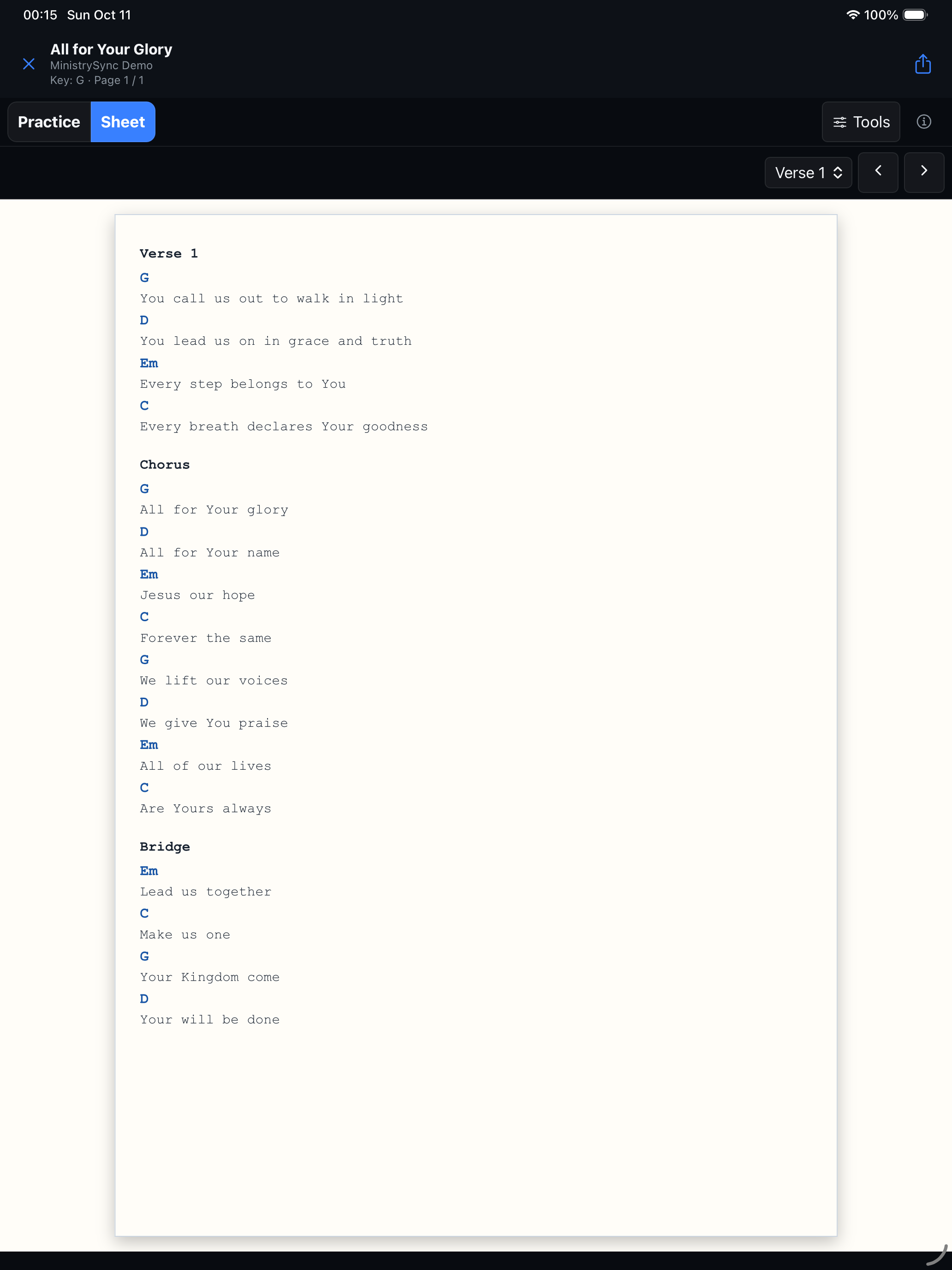
- Select Sheet in Music Stand to focus on the song chart.
- Read the full chart in the available app appearance. The light and dark examples show the same original demo chart.
- Check readability on your actual device before the service. Website light/dark controls do not change the application’s chart appearance.
Keep in mind
Steps were checked against the source version listed above. Your installed version and permissions may change which controls appear. Ask your organization owner if access is missing.
The screenshots show approved demo views. Check readability on your device; they do not prove shared synchronization or feature parity.