Before you begin
An existing account and access to the correct organization. Follow any verification or onboarding prompts before opening the workspace.
Steps
- Start in Profile and review your department and primary ministry role. These are separate from your organization access level.
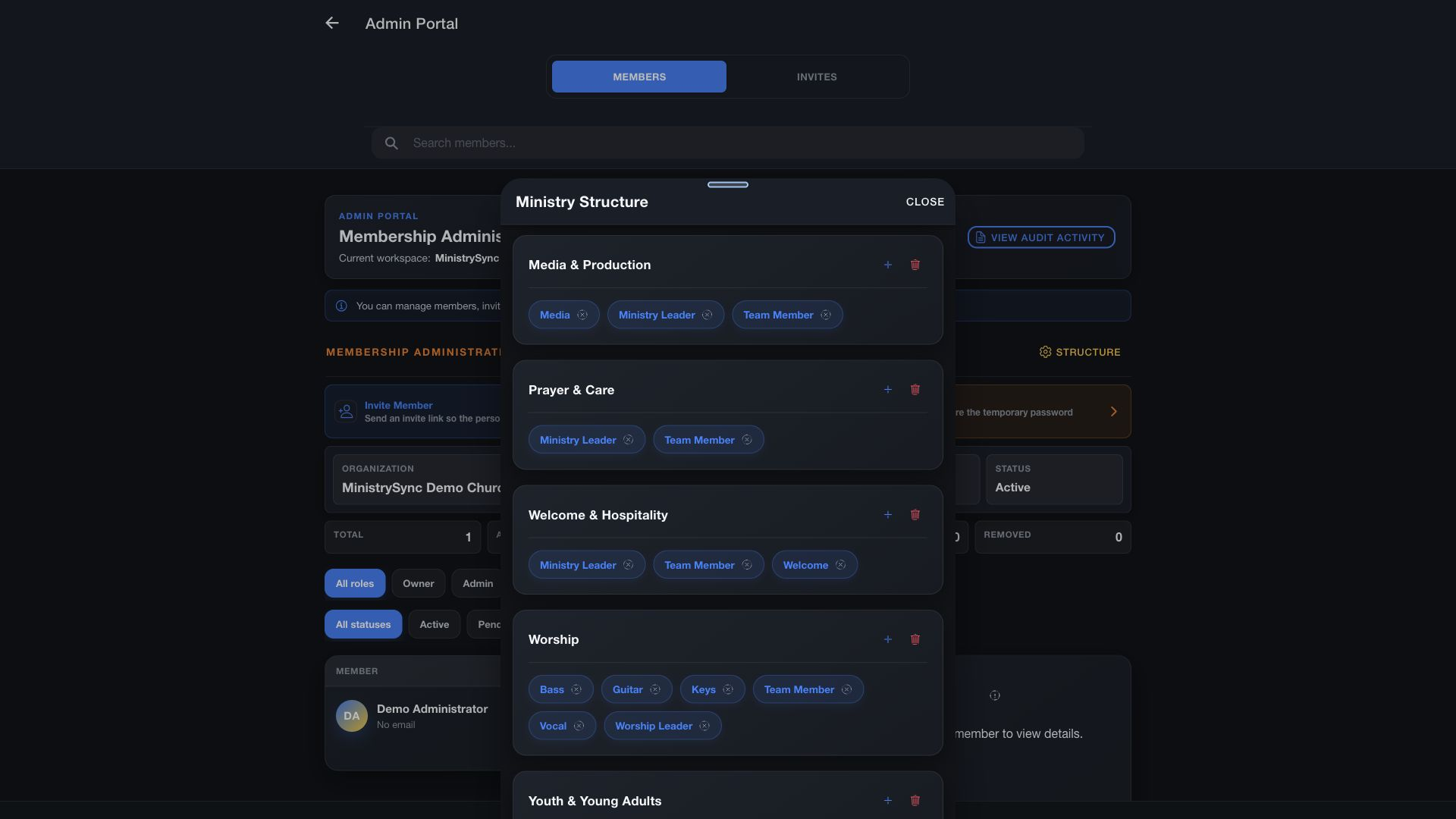
- Ask an authorized owner or admin to review the church’s ministry configuration. Department and role options belong to the active organization, not a universal church template.
- Agree who keeps ministry placement and member details current before scheduling. This guide does not instruct you to delete departments, change access or invite people.
Keep in mind
Steps were checked against the source version listed above. Your installed version and permissions may change which controls appear. Ask your organization owner if access is missing.
The screenshots show approved demo views. Check readability on your device; they do not prove shared synchronization or feature parity.